Let’s be honest — most small business owners set up their Google Business Profile once, forget about it, and wonder why they’re not showing up when local customers search for them. Sound familiar?
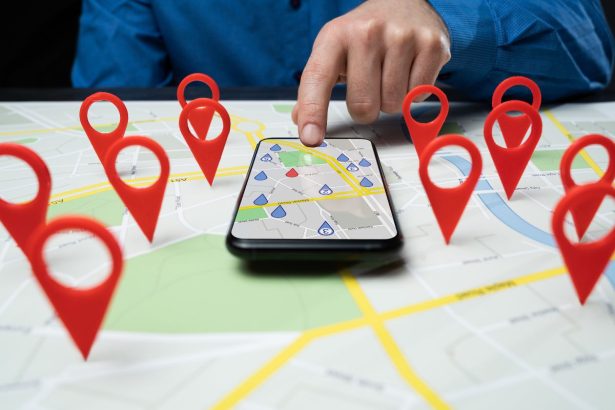
Here’s the thing: your Google Business Profile (GBP) is one of the most powerful free tools Google gives you. When someone searches for a business like yours in Des Moines, Google shows a map with three local businesses front and center. That’s called the Local Pack — and if you’re not in it, you’re basically invisible to a huge chunk of potential customers.
The good news? A lot of the businesses you’re competing against have incomplete or outdated profiles. That means with a little effort, you can leapfrog them in local search results — without spending a dime on ads.
What Is a Google Business Profile and Why Does It Matter?
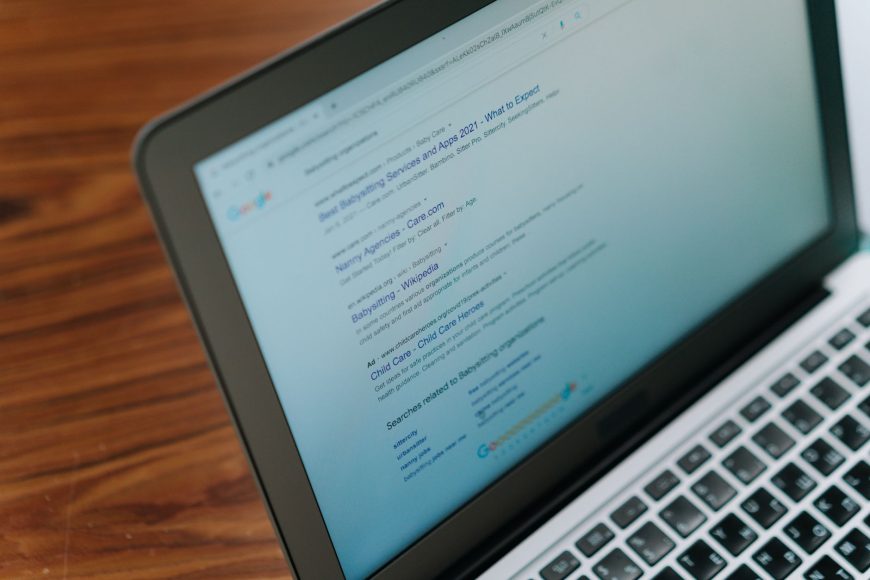
Your Google Business Profile is the listing that shows up on Google Maps and in local search results when someone searches for a business in your area. It shows your business name, address, phone number, hours, photos, reviews, and more.
If you’ve ever searched for something like “plumber near me” or “best coffee shop in Des Moines” and seen that box with three businesses pop up — that’s the Local Pack. Getting into that box is the goal.
Google uses your Business Profile to decide whether to show your business to local searchers. The more complete, accurate, and active your profile is, the better your chances of showing up.
Quick stat: Businesses with complete profiles are 2x more likely to be considered reputable by customers and 70% more likely to attract location visits.
The Most Common GBP Mistakes Small Businesses Make
Before we get into fixes, let’s talk about what’s probably holding your profile back right now.
1. Incomplete Business Information
Missing hours, no website link, wrong phone number — these are red flags to both Google and potential customers. If a customer can’t figure out when you’re open or how to reach you, they’re moving on.
2. No Photos (or Outdated Ones)
Businesses with photos get significantly more clicks and direction requests than those without. Your profile should have at least a cover photo, logo, and a few shots of your location, team, or work.
3. Ignoring Reviews
Reviews are social proof AND a ranking factor. If you’re not responding to reviews — good or bad — Google notices. And so do potential customers scrolling through your profile.
4. Wrong or Inconsistent Business Categories
Your primary category tells Google what kind of business you are. Picking the wrong one confuses the algorithm and hurts your visibility.
5. Zero Posts or Activity
Google lets you post updates, offers, and events directly to your profile. Most businesses never use this. Posting regularly signals to Google that your business is active — which helps rankings.
How to Optimize Your Google Business Profile Step by Step
- Step 1: Claim and verify your profile. Go to google.com/business. If you haven’t claimed your listing yet, do that first.
- Step 2: Fill out every single field. Business name, address, phone, website, hours, holiday hours — all of it. Don’t leave anything blank.
- Step 3: Choose the right primary category. Be specific. ‘Plumber’ is better than ‘Contractor.’ ‘Italian Restaurant’ is better than ‘Restaurant.’
- Step 4: Write a keyword-rich business description. You get 750 characters. Mention what you do, where you serve, and what makes you different.
- Step 5: Upload photos — and keep adding them. Aim for at least 10 photos to start. Add new ones monthly.
- Step 6: Start collecting reviews. Send your happy customers directly to your review link. Respond to every review within a week.
- Step 7: Post weekly updates. Share promotions, news, or tips. Even one post a week makes a difference.
How Often Should You Update Your GBP?
I always recommend to think of your Google Business Profile like a social media account — all social platforms rewards activity. Here’s a simple maintenance schedule that works for all business types:
- Weekly: Post an update, offer, or tip
- Monthly: Add new photos, check that all info is still accurate
- Quarterly: Review your categories, update your description, answer Q&A questions
- Ongoing: Respond to every new review within 7 days
Not sure how your profile stacks up? Google’s GBP Help Center is a great starting point.
Your Google Business Profile is FREE Real Estate on Google.
Your Google Business Profile is one of the few places you can outrank bigger competitors without a massive budget. A well-optimized profile puts your business in front of customers who are actively searching for what you offer, right now, in Des Moines (or where your business is currently located).
It takes a couple of hours to set up right, and maybe 15 minutes a week to maintain. That’s one of the best returns on your time you’ll find in local marketing.
If you want help getting your local SEO dialed in — profile, website, and all — our Des Moines Local SEO services are built specifically for small businesses like yours.
Ready to start ranking higher in Des Moines? Let’s talk. Get your free proposal here →
– The Web Silo Team